
Help center Get started
Use Ledgerly on your phone
Add Ledgerly to your home screen so it opens like an app and works offline, and set up reminders.
Ledgerly works in your phone’s browser, and you can add it to your home screen so it opens like an app.
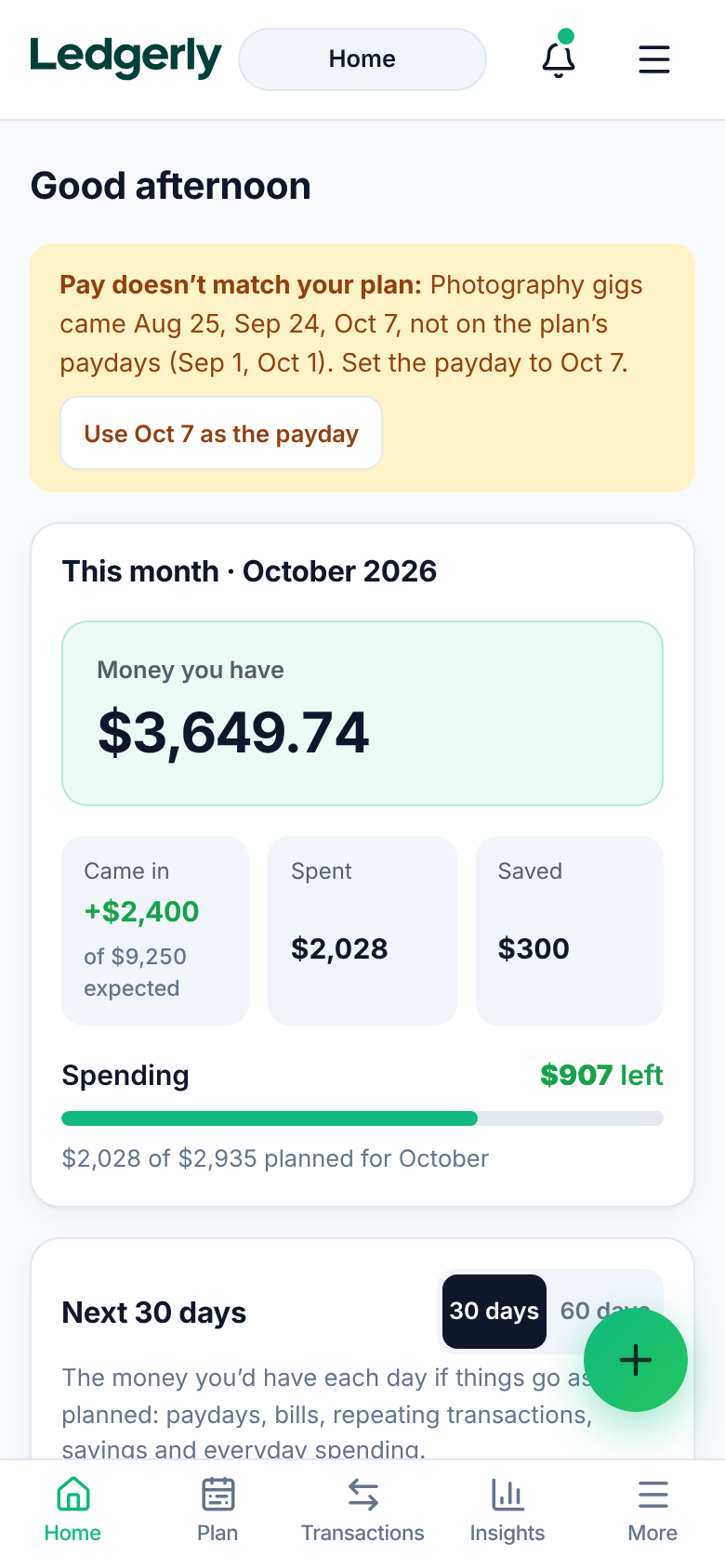
Add it to your home screen
iPhone or iPad (Safari):
- Open app.myledgerlyapp.com in Safari.
- Tap the Share button.
- Tap Add to Home Screen, then Add.
Android (Chrome):
- Open app.myledgerlyapp.com in Chrome.
- Tap the menu (⋮).
- Tap Install app or Add to Home screen.
On a computer, Chrome and Edge show an install button in the address bar.
Installing also lets Ledgerly work offline, and keeps your browser from clearing a budget that’s kept only on the device.
Working offline
Ledgerly keeps a copy of your budget on your device, so it opens and you can log things without a connection. With an account, your changes are saved online as soon as you’re back.
The iPhone and Android apps
Ledgerly’s apps for the App Store and Google Play are on the way. You can join the list on the Ledgerly website to hear when they’re out. They add:
- Reminders at 9 in the morning: the day before a repeating bill or a bill with a due day, the 1st of a month a bill like car insurance is due, and the morning you’re paid, as a nudge to log it. And, if you like, a nudge in the evening when you haven’t logged anything for 3, 7 or 14 days. Turn them on in Settings → Reminders.
- App lock, which asks for Face ID, a fingerprint or your phone’s passcode when Ledgerly opens. Turn it on in Settings → App lock. Ledgerly never receives your face, fingerprint or passcode.