Help center Track your money
Insights
Charts of where your money went, your income against what you expected and how the year is going.
Insights shows how you’re doing against your plan, from what you’ve logged. Pick a month at the top, then a tab.
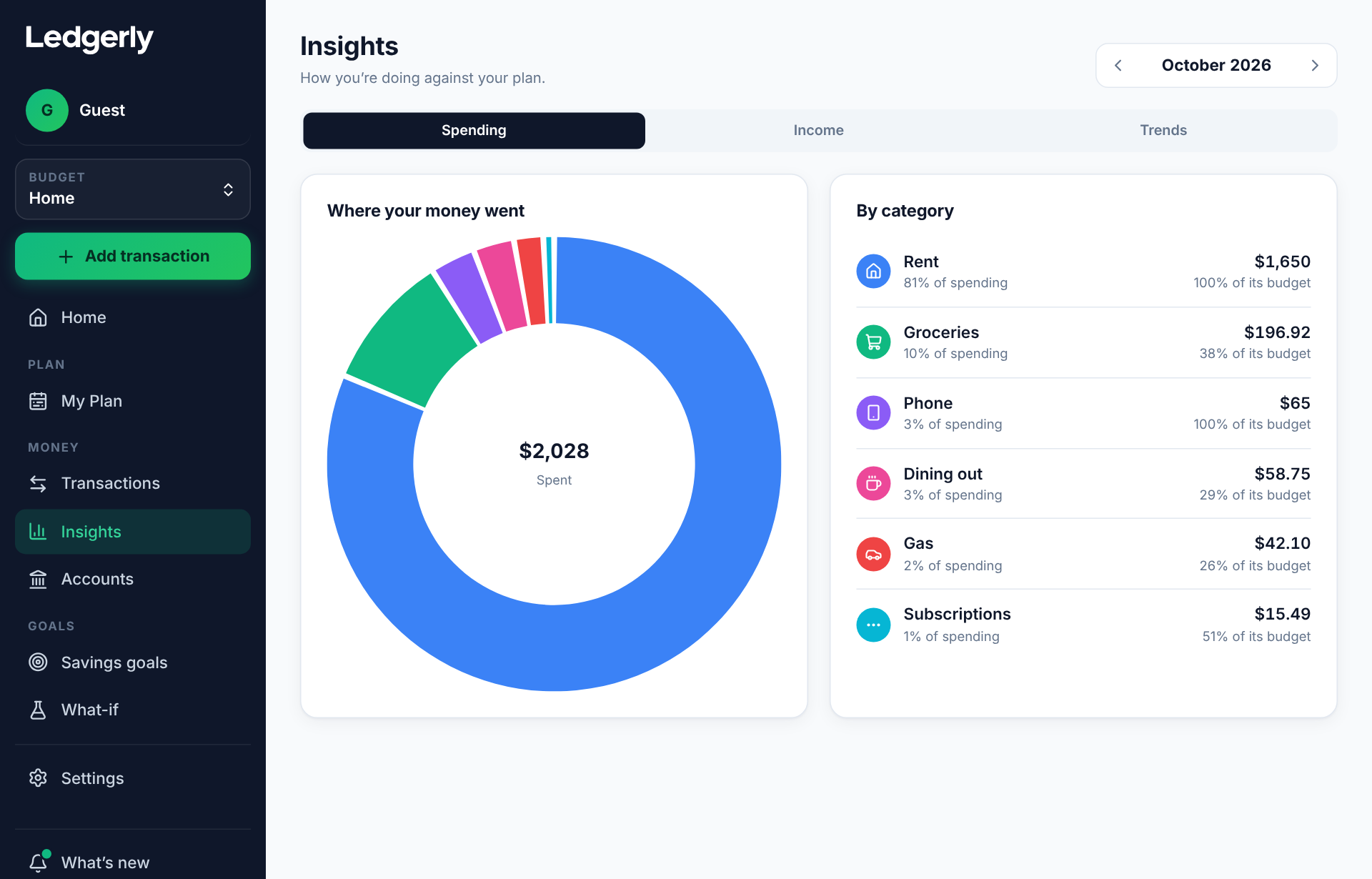
Spending
Where your money went breaks down a month’s spending by category: how much, its share of all your spending and how much of its budget it used. Your top categories for the year are underneath.
Income
Expected vs. logged income compares the income you logged with what your plan expected, for each income source. It’s a quick way to spot a paycheck you forgot to log.
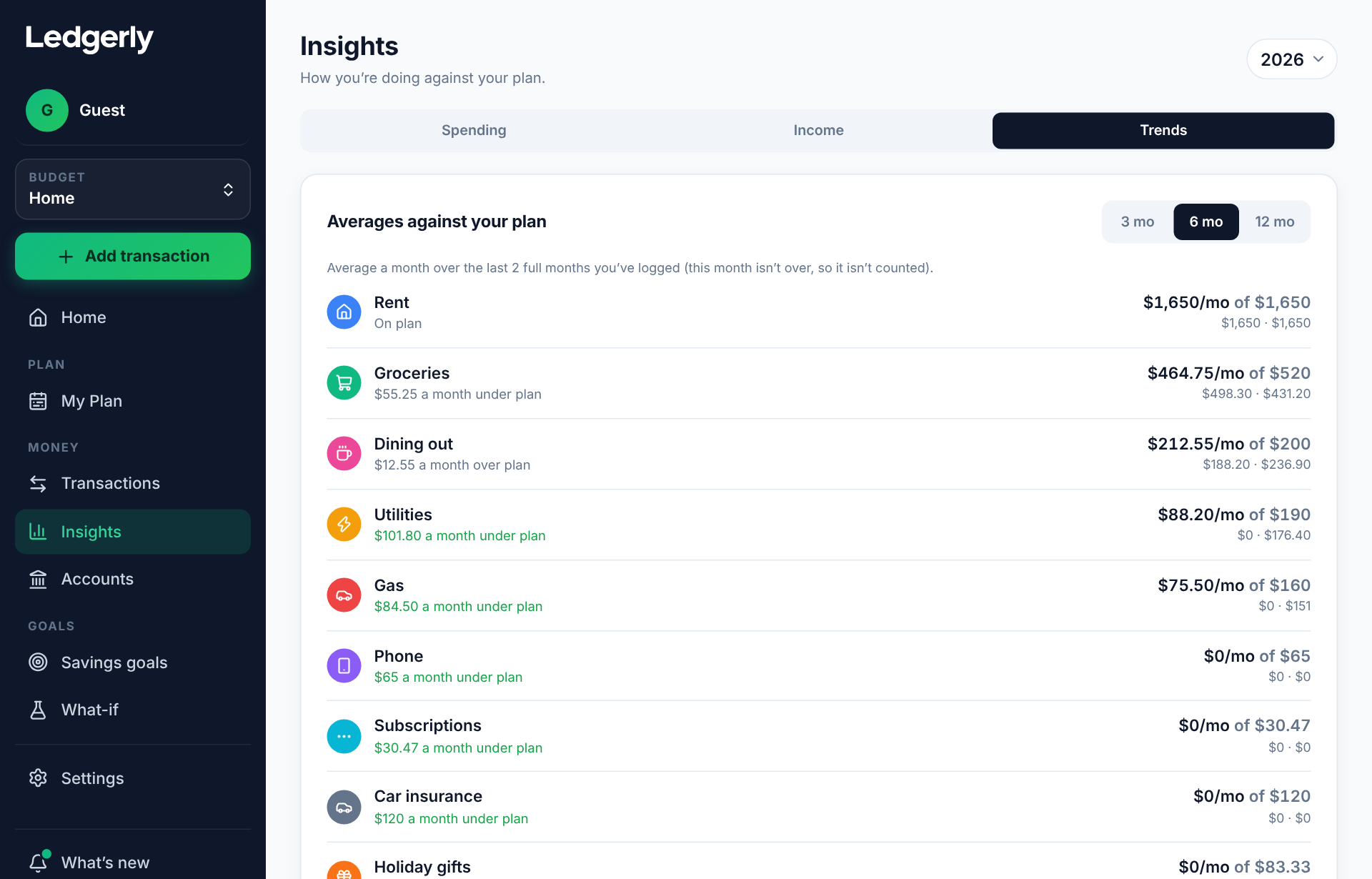
Trends
The year month by month: what you planned against what you spent, earned and saved.